
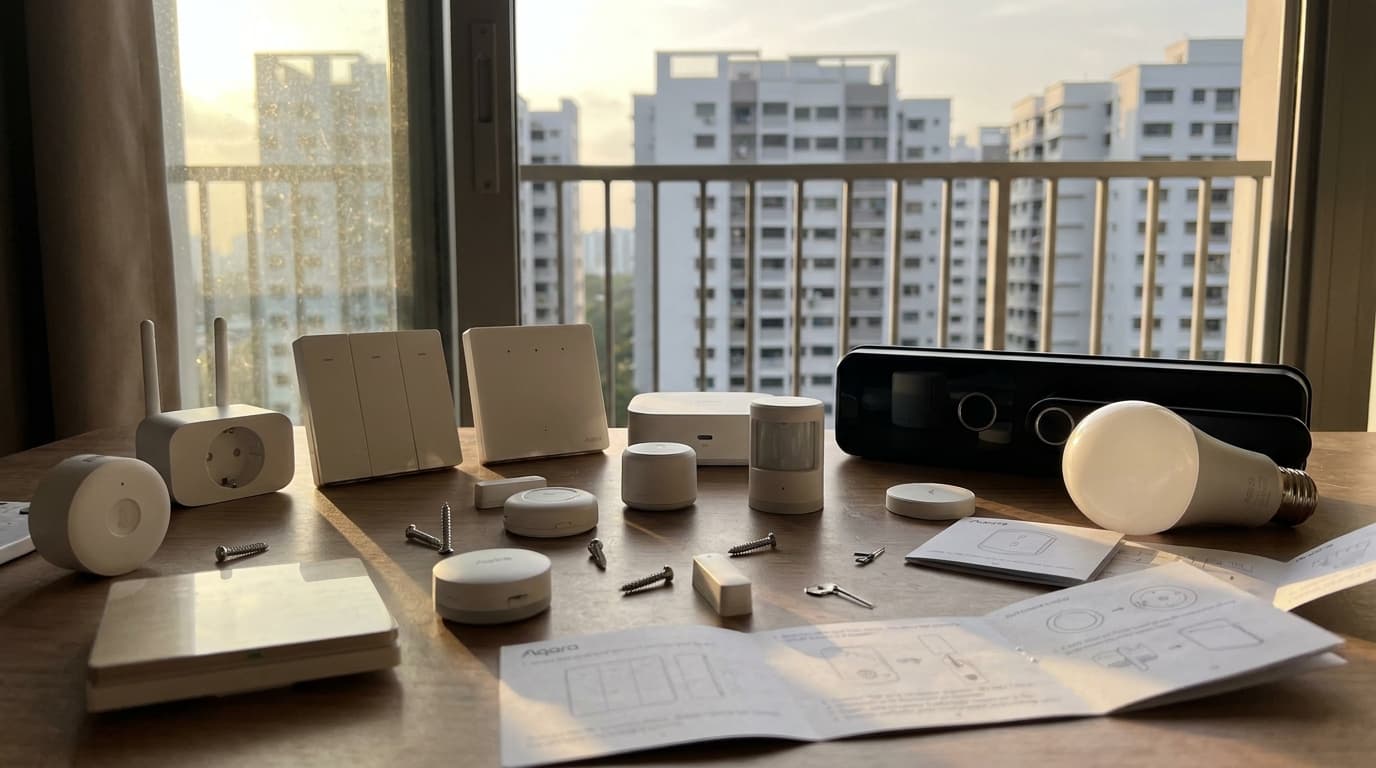
Aqara Devices Keep Dropping Off in Your Singapore Home? Here's the Home Assistant Fix

If your Aqara switches, lights or locks have started acting up, going quiet, slow to respond, or just gone altogether, it is a fair guess you are not the only one in your block dealing with it. We get asked about this often enough that it is worth writing down properly: what actually causes it, and what we have done about it on real jobs.
Quick Answer
- Most of the time it is not the Aqara device that is broken, it is Zigbee mesh interference. Something broadcasting on 2.4GHz nonstop crowds out the Zigbee signal, and it does not have to be inside your own home. In HDB and condo blocks it is often an upstairs or downstairs neighbour's equipment sitting in the same spot on their floor. Devices furthest from your Home Assistant hub become slow or unresponsive rather than fully offline.
- The fix is usually more Zigbee router devices (mains powered ones like smart plugs) placed to create alternate relay paths, for example along windows, since glass blocks 2.4GHz far less than concrete or brick walls.
- Sometimes it is firmware, which shows up as a device going "unavailable" in Home Assistant. This matters most for Aqara door locks, which need a separate Aqara Hub to bridge into Home Assistant, unlike most other Aqara devices that run directly on Zigbee2MQTT.
- Occasionally it is a genuine hardware fault, usually on lights, where the only real fix is replacing the unit. This is rare. From what we have seen, Aqara hardware is generally well made.
- Layman Smart Home People are Home Assistant system integrators who work with Aqara hardware on Singapore installs. We are not an Aqara-authorised repair centre, but we diagnose and fix exactly these kinds of Zigbee mesh and integration issues as part of a Home Assistant setup.
"Dropping Off" Usually Means One of Three Different Things
People use "dropping off" to describe three fairly different problems, and the fix is different for each:
- Unresponsive or laggy - the device is still on the network, but commands are slow or sometimes do not go through at all.
- Unavailable - Home Assistant shows the device as offline or unreachable, even though it is powered and nearby.
- Gone from the network entirely - the device has to be re-paired to show up again at all.
Knowing which one you are dealing with matters, because the causes and fixes are not the same.
The Most Common Cause: Your Zigbee Network Is Fighting for Airspace
Zigbee runs on the 2.4GHz band, the same band as WiFi, Bluetooth, and a lot of other consumer gadgets. In a Singapore HDB or condo, that band can get crowded fast, especially with neighbouring WiFi networks, wireless cameras, or anything else broadcasting on 2.4GHz continuously.
When that happens, it is usually not that a device drops off entirely. It is that the Zigbee mesh struggles to relay messages reliably, and devices furthest from your Home Assistant hub feel it the most, since their messages have to hop through more of the crowded space to get back.
It does not even have to come from inside your own unit. HDB and condo blocks often repeat the same floor plan on every level, so if an upstairs or downstairs neighbour has a router or other 2.4GHz device sitting in roughly the same spot on their floor, that interference can stack vertically through the floor slabs and create a dead zone at that exact spot in your home too.
A Real Example From One of Our Projects
On one project, the Aqara switches at the far end of the house were consistently slow to respond, sometimes not registering a command at all, while switches closer to the hub worked fine. They were not dropping off the network. They were just struggling to relay messages back and forth reliably.
The fix we used was to add more Zigbee router devices, in this case smart plugs, positioned along the side of the house near the windows. This gave the mesh an alternate path to relay messages from one end of the house to the other, routing along the outside of the building where glass causes far less signal loss than the concrete and brick in between rooms. Once those extra router devices were in place, the far end of the house stopped lagging.
This is the kind of diagnosis we do as Home Assistant integrators on every project. It is rarely about replacing the Aqara device itself, it is about giving the Zigbee mesh a better path to work with.
When It's Firmware: Devices Showing "Unavailable"
Sometimes the cause is firmware rather than interference. A device shows up as unavailable in Home Assistant even though it is powered and within range, because it is not communicating properly.
This is particularly relevant for Aqara door locks. Unlike most Aqara devices such as switches, sensors and lights, which connect directly over Zigbee2MQTT, Aqara locks need a separate Aqara Hub to bridge into Home Assistant. That extra hop is one more place where a firmware hiccup can cause communication problems, which is why locks tend to be more finicky about this than a simple switch.
Gone From the Network Entirely? Try Putting It Back Into Pairing Mode First
If a device has properly disappeared, not showing up in the Aqara app or in Zigbee2MQTT at all, the first thing to try is putting it back into pairing mode while your Home Assistant setup is listening for new devices. The general steps differ by device type:
- Switches and smart plugs: press and hold the button for about 5 to 10 seconds until the LED starts blinking quickly. Honestly, there is not much practical difference between "resetting" it and "pairing" it here, holding the button does both at the same time, so just be ready to add it again once the LED starts blinking.
- Lights: power cycle the light off and on a few times in a row, generally about 3 to 5 times, and it should drop back into pairing mode on its own.
- Curtain and blind motors: press and hold the reset button until the LED starts blinking, much the same as switches.
- Sensors (motion, door and window, temperature): most have a small physical button you press and hold to put the sensor back into pairing mode.
- Door locks: these do not pair the same way as the others. You add or re-add the lock through the Aqara Home app itself, rather than through Home Assistant or Zigbee2MQTT directly. It is worth doing this properly even beyond just fixing connectivity, since adding the lock to an Aqara Hub (such as the M100 or M3) through the app unlocks extra functionality, and that same step is also what lets us bring the lock into HomeKit.
If you have gone through the pairing steps for your device type and it still refuses to show up, that is when it is worth suspecting a genuine hardware fault rather than a pairing hiccup.
When It's Actually the Hardware (Rare)
If re-pairing does not bring a device back, occasionally the issue really is the device itself. We have seen Aqara lights drop out of Zigbee2MQTT entirely, most likely down to a hardware fault, whether a bad batch of components or a firmware issue baked into the unit. In these cases, the only real fix is to replace the device.
This is genuinely rare. From what we have seen, Aqara makes solid hardware overall, and in most of the cases we get called out for, the device itself is fine and the problem is the mesh or the firmware, not the unit.
When to hire a pro
If you've tried the steps above and your Aqara devices are still dropping off, it's worth getting help when:
- Devices keep dropping after adding routers — if adding Zigbee routers doesn't stabilise the mesh, the issue may be deeper (channel conflicts, interference sources, or network topology).
- Door locks are affected — Aqara locks use a separate hub, making them harder to troubleshoot. A lock that drops off is a security concern, not just an inconvenience.
- You have more than 15 Aqara devices — larger meshes need deliberate router placement and channel planning. Guesswork becomes expensive.
- You're not sure if it's mesh, firmware, or hardware — misdiagnosing leads to buying replacement devices you don't need.
We handle these as part of a Home Assistant setup, not as an Aqara repair service. If your Aqara devices are part of a Home Assistant system, we can diagnose and fix the integration. If they're on the Aqara app only, you may need Aqara support directly.
We're Home Assistant Integrators, Not Aqara Dealers
Worth being upfront about this: Layman Smart Home People are not Aqara-authorised dealers or an official repair centre. We are Home Assistant system integrators who use Aqara hardware, among other brands, as part of the systems we design and install for Singapore homes.
What that means in practice is when Aqara devices in your Home Assistant setup start acting up, we can diagnose whether it is mesh interference, firmware, or genuine hardware failure, and fix or route around it as part of your overall system, rather than just telling you to contact Aqara support.
Related guides
- Smart home protocols: Matter, Zigbee, Z-Wave — understand the protocols behind your Aqara devices
- Home Assistant vs Tuya — why local control matters for device reliability
- Smart home cost guide for Singapore — what a professional setup costs
- How to control smart lights in Singapore — lighting control layers and decoupled mode
FAQ
Why are my Aqara switches unresponsive instead of fully offline?
This usually points to Zigbee mesh interference rather than a broken device. Something on the 2.4GHz band is crowding out the Zigbee signal, and devices furthest from your Home Assistant hub feel it most, since their messages have to relay through more of the congested space.
How do you fix Zigbee interference in a Singapore HDB or condo?
The usual fix is adding more mains-powered Zigbee router devices, such as smart plugs, positioned to create alternate relay paths through the home. Placing them near windows can help, since glass blocks 2.4GHz signal far less than concrete or brick walls.
Why does my Aqara door lock need a separate hub when my other Aqara devices do not?
Most Aqara devices, like switches and sensors, connect directly over Zigbee2MQTT. Aqara door locks are the exception and need a separate Aqara Hub to bridge into Home Assistant, which adds one more point where firmware or communication issues can surface.
How do I put an Aqara switch or smart plug back into pairing mode?
Press and hold the button for about 5 to 10 seconds until the LED starts blinking quickly. This resets the device and puts it into pairing mode at the same time, there is no separate gentle option, so be ready to re-add it in Home Assistant or the Aqara app as soon as the LED blinks.
When should I just replace an Aqara device instead of troubleshooting it?
If a device has genuinely dropped off the network and needs re-pairing repeatedly, or shows the same fault after mesh and firmware checks, it may be a hardware issue. This is rare with Aqara hardware, but in that case replacement is the only real fix.
Is Layman Smart Home People an authorised Aqara repair centre?
No. We are Home Assistant system integrators who work with Aqara hardware as part of the systems we design and install. We diagnose and fix Zigbee mesh, firmware and integration issues as part of your Home Assistant setup, rather than acting as an Aqara-authorised service centre.
Aqara devices acting up in your Home Assistant setup?
We can diagnose whether it is Zigbee interference, firmware, or a genuine hardware fault, and fix it as part of your system.