
How to Control Smart Lights in Your Singapore Home: Every Method Explained

"How do I control my smart lights?" sounds like a simple question, but it has four different answers: the physical switch on the wall, an app on your phone, a voice command, and automations that turn lights on and off without anyone touching anything. Real homes range from using just two of these to all four. Picking the right mix for each room matters more than picking a single "best" method, since each one solves a different problem.
Quick Answer
- Smart lights in a Singapore home are typically controlled through four layers: physical switch, app, voice, and automation. Real installs range from just two of these to all four, depending on budget and how hands-off the owner wants the home to be.
- Physical switches stay the primary control for most rooms. "Decoupled mode" lets a smart switch and a smart bulb coexist without fighting each other, but how well that holds up depends heavily on the bulb's own build quality.
- App control is often the first layer people actually rely on day to day, since it needs no extra hardware and covers the common case of controlling a room you're not standing in.
- Voice control splits into two types: cloud assistants like Google and Alexa (1 to 2 seconds of lag, needs internet) and Home Assistant's local "Assist" pipeline (under 500ms, works offline), and either one needs additional hardware like a speaker to actually use it.
- Automations are the most hands-off layer, reacting to a trigger such as presence, time, another device's state, or a camera's human detection, instead of waiting for input.
The four layers of lighting control
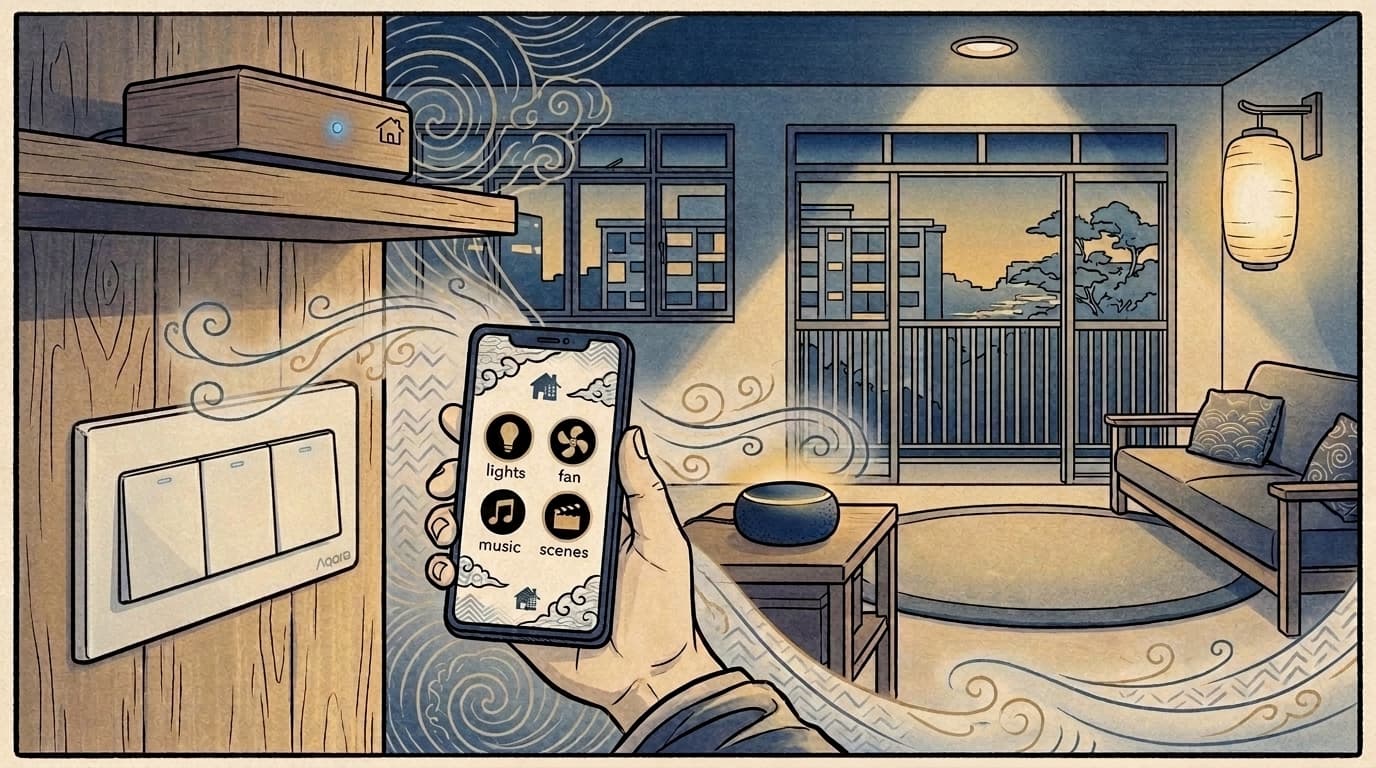
Every method of controlling a smart light falls into one of four layers, and they're not competing with each other, they stack:
- Physical switch — the wall switch or a smart bulb's own remote, the method that works even if your phone is dead or the Wi-Fi is down.
- App — tapping a toggle on your phone, the layer most homeowners actually reach for day to day, since it needs no extra hardware beyond the switch or bulb itself.
- Voice — spoken commands, either through a cloud assistant or a local voice pipeline, needing a speaker or microphone in the room.
- Automation — the system deciding for you, based on a trigger such as presence, time, another device turning on or off, or a camera's human detection, with no manual input needed at all.
A home doesn't need all four to start. In our own projects, we've installed everything from just the first two layers to the full stack, and most homes add layers over time as budget and comfort with the system grows.
Physical switch control
For most Singapore homes, the wall switch remains the primary way lights get turned on and off, smart or not, since it's the fastest option and the one every household member (including guests) already knows how to use.
The technical detail that trips people up here is what happens when you add a smart bulb behind an existing smart switch: without the right configuration, the switch can cut power to the bulb, which then can't respond to voice or app commands at all. The fix is a wiring and firmware setting called "decoupled mode," which keeps the switch's physical toggle working normally while letting the bulb stay powered and controllable the rest of the time. We've written a full breakdown of exactly how to set this up in our smart switch and smart light setup guide, including which wiring situations need it and which don't.
Decoupled mode genuinely gives you the best of both worlds, a switch that still works and a bulb that stays controllable, but how well that holds up in practice depends heavily on the bulb's own build quality. Cheaper bulbs are more prone to dropping off the Zigbee network, going unresponsive, or reporting a stale state back to Home Assistant. When that happens, it creates a specific, confusing symptom for the homeowner: you press the switch on the wall (the "gang") and the light doesn't respond, and it's genuinely unclear whether Home Assistant is down, the network has an issue, or the bulb itself has failed. This is one of the more common troubleshooting calls we get, and it usually traces back to bulb quality rather than the setup itself.
If you're earlier in the process and haven't picked switches yet, whether your wiring even has a neutral wire changes which switches you can use in the first place — see our neutral vs no-neutral wiring guide before you buy anything.
App control
For a lot of real, everyday use, the app is actually the first and most convenient layer, not a fallback. The common case is simple: you're on the sofa and want to turn off the kitchen lights without getting up, or you're already in bed and don't want to walk back out to switch off the living room. No sensor, no speaker, no automation logic required, just the app that already comes with the switch or bulb.
Voice control and automation are genuine upgrades on top of this, but both need something the app doesn't: voice needs a speaker or microphone, and automation needs a trigger, whether that's a dedicated sensor, a camera, or another device's state change. Not every home invests in setting these up for every room, whether for budget reasons, wanting to keep things simple, or just not needing it there. For those rooms, the app isn't a stopgap, it's the actual long-term control method.
Voice control
Voice control for smart lights splits into two genuinely different technical paths, not just different brands:
- Cloud assistants (Google Assistant, Alexa) are the most familiar option, easy to set up, but every command travels to a server and back, adding roughly 1 to 2 seconds of lag, and they stop working if your internet drops.
- Home Assistant's local "Assist" pipeline processes your voice command entirely on your own hardware, responding in under 500ms and continuing to work with no internet connection at all, since nothing leaves your home network.
Either path needs additional hardware, like a speaker, to actually use in a room, though plenty of homes already own a voice-capable speaker (a Sonos or similar) for other reasons and just need it connected in. Which type makes more sense for the rooms you do want it in depends on what you're optimising for: familiarity and multi-brand ecosystem support, or speed, privacy, and offline reliability. We go into the full comparison, including how voice satellites extend coverage room to room, in our voice control for Home Assistant guide.
Automation: the layer that removes control entirely
The most powerful layer isn't a control method at all, it's the one that removes the need to control anything. An automation reacts to a trigger and acts without anyone pressing a switch, saying a command, or opening an app. That trigger can be a dedicated presence or motion sensor, but just as often it's something already in the home: a camera with human detection, a TV turning off, a door lock, or simply a time of day. Because it takes a bit more thought to set up the right trigger for each room, it's usually the layer added last rather than the one every room starts with.
This is also where the difference between Scenes, Scripts, and Automations matters, since people often use these terms interchangeably when they do different jobs. A Scene is a manually-triggered snapshot; a Script sequences actions with delays; an Automation is the "brain" that reacts to real conditions without you doing anything. We cover the distinction and how to combine all three properly in our automations vs scripts vs scenes guide.
Putting it together: what real installs look like
There's no single "correct" combination. Across our own projects, we've installed everything from the simplest setup, a decoupled switch plus app control, to the full four-layer stack with voice and presence-based automation, and everything in between. Which combination makes sense depends on budget, how many rooms need it, and how hands-off the homeowner wants the home to be.
A practical starting point: get the physical switch right first, decoupled mode where needed, with attention to bulb quality since that's what determines how reliably it holds up. App control comes essentially free with the hardware, so most homes have that from day one. Voice and automation then get added room by room as budget allows, rather than trying to wire in everything at once.
FAQ
What's the best way to control smart lights?
There isn't a single best method. Real Singapore homes range from just a decoupled switch plus app control to the full stack with voice and automation, depending on budget and how hands-off the owner wants the home to be. App control is usually the first layer added since it needs no extra hardware, with voice and automation layered in over time.
Can I still use my wall switch with smart bulbs?
Yes, but it needs to be configured correctly. Without "decoupled mode," a smart switch can cut power to a smart bulb behind it, breaking voice and app control. See our smart switch and smart light setup guide for the full wiring breakdown.
Why does my switch turn on but the light doesn't respond?
This is usually a bulb quality issue, not a setup problem. Cheaper bulbs are more prone to dropping off the Zigbee network or going unresponsive, which creates confusion over whether Home Assistant, the network, or the bulb itself is at fault. It typically traces back to the bulb rather than the decoupled mode configuration.
Is voice control for smart lights reliable in Singapore?
It depends which kind. Cloud assistants like Google and Alexa work well but add 1 to 2 seconds of lag and need an internet connection. Home Assistant's local Assist pipeline responds in under 500ms and keeps working during an internet outage. Either option also needs a speaker or microphone in the room.
Do I need an app to control smart lights?
For most homes, yes, it's often the first and most-used layer, since it needs no extra hardware and easily covers controlling a room you're not standing in. Voice and automation are upgrades on top of it, not replacements for it.
What's the difference between a scene and an automation for lighting?
A scene is a manually-triggered snapshot, like a "Movie Time" button, with no awareness of time or context. An automation reacts on its own to triggers like presence or time of day, with no manual input needed at all.
Not sure which control setup fits your home?
We'll assess your wiring and daily routine to design a lighting control setup that actually matches how you live, not just what's possible on paper.
Get a free consultation