
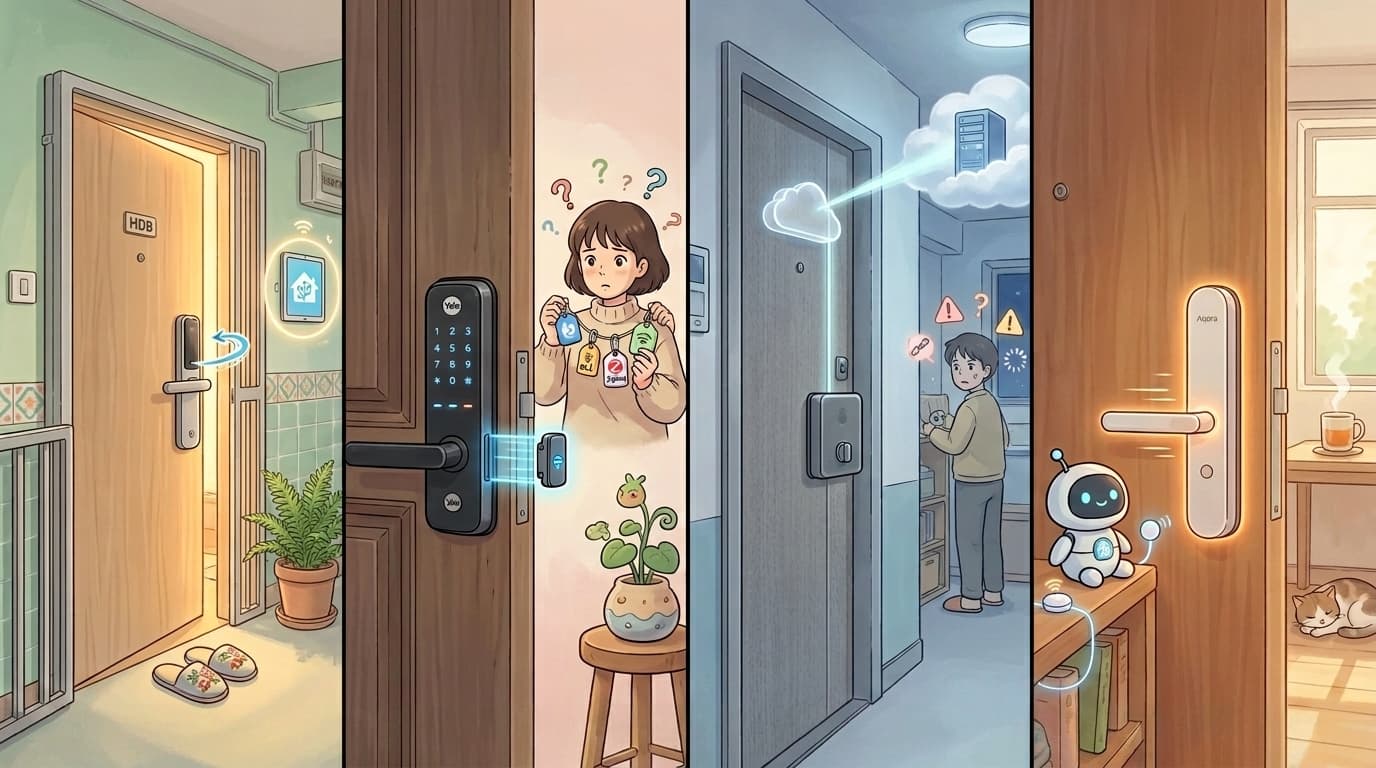
Smart Digital Locks in Singapore: What Actually Matters (A Home Assistant Guide)

Most digital lock reviews spend pages on unlocking methods: fingerprint, face recognition, PIN, NFC card, mechanical key. That is useful information, but it misses what you actually notice every day.
Quick Answer
- Physical locking speed varies widely between brands and is almost never listed in spec sheets. A slow lock means standing at your door waiting after it closes.
- Many smart locks need a separate hub or gateway to support remote unlocking. Whether a lock uses Bluetooth, Zigbee, or WiFi determines what extra hardware you need.
- For a Home Assistant home, local control matters more for a lock than for any other smart device. A lock that routes commands through a third-party cloud means someone else's server has, in some sense, a key to your front door.
- Aqara locks (A100, D100, D200i, U100, U300, U400) are the most straightforward local-integration option in Singapore today, using a Zigbee hub that runs entirely on your home network.
- Yale locks in Singapore require a separate connectivity module (Bluetooth, Zigbee, or WiFi) for any smart home integration. The base lock does not include connectivity.
Physical speed: the spec nobody reviews
You leave home, close the door, walk away. Somewhere in those last few steps, your lock is supposed to engage automatically. But did it? If the latch takes three to five seconds to move, you either stand there waiting or you walk away hoping.
That hesitation adds up. It happens every time you leave. A slow lock is not a catastrophic failure, but it is the kind of thing that quietly irritates you for years.
Physical locking speed depends on the motor design and mechanical build of the lock, not the app, not the feature count. It is not published in spec sheets. You only learn it by installing and using the lock day to day.
From our own installations: Aqara locks engage fast. Yale locks are slower. We have not systematically timed every brand, and we would be making things up if we gave you exact numbers for brands we have not personally worked with. The honest advice: before committing to a lock, find a demo unit, close it fully, and watch how long the latch takes to engage. Those few seconds tell you more than any brochure.
Smart functions and the hub question
"Smart" covers a wide range of actual capability depending on which lock you buy. At minimum, a smart lock lets you unlock with an app or PIN. At the other end, it can notify you when someone unlocks the door, auto-lock after a set time, or trigger automations based on who is arriving home.
The question is: which of those features work without extra hardware?
Why BLE locks need a gateway
Most consumer smart locks use Bluetooth Low Energy (BLE) as their primary radio. BLE is power-efficient, which is why these locks typically last six to twelve months on batteries. The limitation is that BLE does not connect to your WiFi network. Your phone can unlock the door when you are standing next to it, but the lock cannot receive commands from outside your home without a bridge.
That bridge is a gateway or hub. It connects to your router via WiFi or ethernet, and to the lock via Bluetooth. When you tap unlock from your phone while you are out, the command travels: phone to cloud, cloud to hub, hub to lock via BLE. Remove the hub and the last step breaks.
This is why you see "hub required for remote access" in the fine print of so many smart locks. This is how BLE works. If you want a full breakdown of how Bluetooth, Zigbee, WiFi, and Matter each behave across your smart home, our guide to smart home protocols covers each one.
Zigbee locks work differently
Zigbee locks use a different radio protocol entirely. They also need a hub (a Zigbee coordinator), but that coordinator bridges commands to the lock entirely on your home network. No cloud required. This is the local integration path that matters for a Home Assistant home.
How HA sees those devices depends on the hub. A generic Zigbee coordinator (like a USB Zigbee dongle) can integrate directly via ZHA or Zigbee2MQTT. A proprietary hub like Aqara's acts as the Zigbee coordinator for the lock, but HA talks to the hub itself via HomeKit Controller or Matter, not raw Zigbee. Either way, the commands stay local.
WiFi locks: no hub, but not cloud-free
WiFi locks connect directly to your router with no extra hub needed. Remote access works out of the box. The trade-offs: the WiFi radio draws considerably more power than BLE or Zigbee, which shortens battery life significantly. More importantly, WiFi locks almost always route commands through the manufacturer's cloud even though they are physically on your network. The lock has internet access, but your unlock command still leaves your home, goes to a server somewhere, and comes back. The broader case against WiFi-only smart home devices goes well beyond locks — we cover why WiFi-only smart home setups cause more problems than they solve.
The first-command delay on hub-bridged locks
If you have a smart lock integrated into Home Assistant via a hub, you may notice this: the first command after a period of inactivity takes noticeably longer than expected. Send a second command right after and it is fast. Wait an hour and the delay is back.
Battery-powered smart locks conserve power by putting their radio into a sleep state between uses. Whether the lock uses BLE or Zigbee to communicate with the hub, the principle is the same: the radio wakes on a cycle, and a command that arrives while the radio is sleeping has to wait for the next wake window. Once the lock is active and responsive, subsequent commands go through quickly.
The exact cause can also sit on the hub-to-HA side. If the connection between HA and the hub (via HomeKit Controller, Matter, or a cloud integration) has been idle, it may need a moment to re-establish before the first command goes through. In practice the delay feels the same from the user's end regardless of which leg is responsible.
The delay varies by firmware and integration method. It is manageable in daily use, but worth knowing if you are designing automations that depend on immediate lock response.
Local control vs cloud: why this matters more for a lock
A cloud-connected lock means commands route through a third-party server. That server is somewhere in the chain of custody for your home access. A security breach, a policy change, or a company closure does not just break a feature. It creates a potential exposure for the physical security of your home.
Local integration means your lock commands never leave your home network. When HA triggers an unlock, the signal goes from your HA server to your hub to the lock, entirely on your LAN. No internet required. No third-party server in the loop. The lock still works if your ISP goes down.
For every other category of smart home device, local control is a meaningful preference. For a door lock, we think it should be a default requirement. We have written more on why local control matters across your whole smart home if you want the full picture.
What is available in Singapore
Here is an honest look at the locks we encounter in Singapore homes. We have split this into two sections: locks we have installed and have direct experience with, and locks based on research and community reports.
From our own installations
Aqara (A100, D100, D200i, U100, U300, U400)
Aqara's range covers a variety of Singapore door types. Physical speed is fast from what we have installed, and build quality feels solid. The D200i adds 3D facial recognition. Some models include Ultra-Wideband (UWB) for proximity-based auto-unlock with compatible iPhones.
All Aqara locks require an Aqara hub to integrate with Home Assistant. The lock communicates with the hub via Zigbee. HA then talks to the hub via HomeKit Controller or Matter, depending on the hub model. Multiple hub models support this path (E1, M1S, M2, M100, M3). Aqara hubs support a local mode, so once set up, your automations do not depend on Aqara's cloud.
Note that the Bluetooth on Aqara locks is separate from the hub integration. It is used for direct phone-to-lock access (setting up fingerprints, PINs, local unlocking from the app nearby) and is not the channel that HA commands travel through.
The first-command delay described above applies here. The first HA-triggered command after a period of quiet tends to take longer than expected. Subsequent commands are fast. This is manageable in daily use but worth knowing if you are designing automations that rely on immediate response. If you are evaluating Aqara as a brand more broadly, our Aqara H1 smart switch review gives a sense of the build quality and reliability you can expect across their range.
Yale
Yale locks have a direct Home Assistant integration. In our experience, it has been laggy and unreliable.
More importantly for Singapore buyers: Yale locks here do not include any connectivity by default. The base digital lock has no wireless module. To connect it to a smart home system, you purchase a separate module (Bluetooth, Zigbee, or WiFi) and install it into the lock. Each module supports different integration paths.
We have tried to find out from the local Yale distributor which Zigbee module would let the lock pair cleanly with Home Assistant via Zigbee2MQTT or ZHA. We could not get a straight answer. Until that is clearer, we cannot confidently recommend Yale for a Home Assistant setup in Singapore.
Generic, local-branded, and Tuya OEM locks
We have seen clients come in with smart locks from local brands or unbranded Tuya-based products. In almost every case, these either cannot be integrated into Home Assistant at all, or expose such limited functions that they are not useful in automations. If you are building a Home Assistant home, skip these. We have covered why Tuya OEM products cause problems for Home Assistant users in more detail.
Based on research and community reports
We have not personally installed the following locks. What we share here comes from documentation, community forums, and manufacturer information.
Lockin
Lockin is a Chinese brand available in Singapore through retailers like Interlock. Their feature set covers territory most brands do not: the Veno Plus offers palm vein recognition, the V3 has 3D facial recognition, and the range generally covers a wide selection of biometric options.
Lockin is part of the Xiaomi ecosystem. Their locks communicate over BLE and connect to a Xiaomi Multimode Gateway for remote access and smart home functions. Home Assistant integration is possible via the XiaomiGateway3 community integration (available on HACS), which bridges Xiaomi BLE devices into HA.
From community reports, monitoring works for most Lockin models (lock state, battery level). Active lock and unlock control through HA is less consistently documented, particularly for newer models. This is not an official HA integration, and depends on continued community development.
Igloohome
Igloohome is a Singapore-founded company with an official Home Assistant integration. To use it, you need an active iglooaccess API subscription. There is a 30-day free trial; after that, it is USD 2 per lock per month.
Without their Bridge hardware, the integration only shows battery status. With the Bridge, you get real-time lock and unlock control. The integration routes through Igloohome's cloud, so this is not a local integration. Igloohome locks are well suited to rental properties and situations where time-limited PIN codes are useful. For a locally-integrated HA setup, the cloud dependency is worth factoring in.
Samsung (via SmartThings)
Samsung digital locks are common in Singapore. Compatible models (including the SHP-DP609 and SHP-DR708) pair with Samsung SmartThings, and SmartThings has an official Home Assistant integration that exposes lock control.
This means HA can see a SmartThings-paired Samsung lock and issue lock and unlock commands. In practice it is a cloud-to-cloud path: the command goes from HA to the SmartThings cloud to the lock. There is no local control.
One significant thing to be aware of: Samsung has announced that free SmartThings API access will be phased out from October 2026. After that, the SmartThings integration in HA will require a paid Personal Plan subscription. If you are planning a setup around this path, factor in that ongoing cost.
Nuki
Nuki is a European brand with strong Home Assistant integration and good community documentation. They are technically available in Singapore.
The compatibility issue is a hard stop: Nuki is designed as a retrofit lock for European cylinder locks. Singapore residential doors use mortise-style multi-point locking hardware. These are different mechanisms, and Nuki explicitly does not support mortise locks. Unless your door has a Euro cylinder, Nuki will not fit.
FAQ
Do I need a hub for my smart lock to work with Home Assistant?
It depends on the protocol. Zigbee locks need a Zigbee coordinator, which can connect to Home Assistant locally via ZHA or Zigbee2MQTT. BLE locks need a gateway that bridges Bluetooth to your network. WiFi locks connect to your router directly but almost always route commands through the manufacturer's cloud. For a fully local HA setup, Zigbee-based locks with a compatible hub are the most reliable path available in Singapore.
Why does my smart lock take so long to respond the first time I unlock it from Home Assistant?
Battery-powered smart locks conserve power by putting their radio into a sleep state between uses. A command that arrives while the radio is sleeping has to wait for the next wake window before it goes through. This applies whether the lock uses BLE or Zigbee to communicate with its hub. The delay can also come from the connection between HA and the hub needing to re-establish after a period of idle. Once the lock is active and the connection is live, subsequent commands are fast until it sleeps again.
What is the difference between a WiFi smart lock and a Zigbee smart lock?
WiFi locks connect directly to your router with no hub needed and enable remote access without extra hardware. They drain batteries faster because the WiFi radio is more power-hungry, and they almost always route commands through the manufacturer's cloud. Zigbee locks need a Zigbee hub but can integrate locally with Home Assistant without any cloud dependency. For a Home Assistant home where local control and security matter, Zigbee is the stronger choice.
Why does it matter if my smart lock uses cloud control vs local control?
A cloud-dependent lock routes unlock commands through a third-party server. If that server has a security incident, changes its policies, or shuts down, your ability to control the lock is affected and there is a potential exposure to your home's physical security. With local integration, commands stay entirely on your home network and work even if your internet goes down. For smart lights or plugs, cloud dependency is a convenience issue. For a front door, it is a security consideration.
Do Yale digital locks in Singapore come with smart home connectivity included?
No. Yale locks sold in Singapore do not include any wireless connectivity module by default. Bluetooth, Zigbee, and WiFi are sold as separate add-on modules that need to be purchased and installed. Which module enables which integration path for Home Assistant is not clearly documented by the local distributor at the time of writing.
Not sure which smart lock works with your setup?
We have installed smart locks across HDB flats, condos, and landed properties in Singapore. Tell us what you are working with and we will give you a straight answer.
Talk to us