
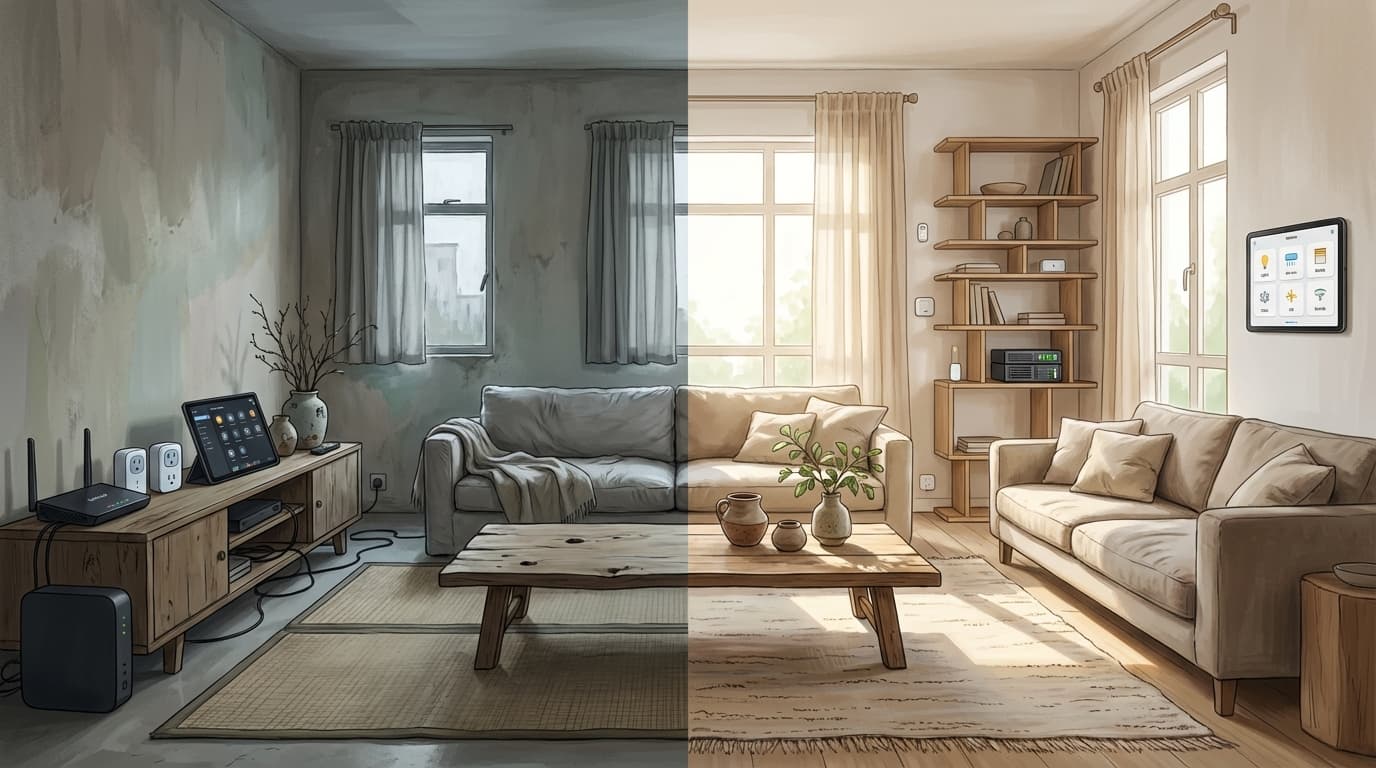
Closed vs. Open Source: The Ultimate Smart Home Battle for Singapore Homeowners

When embarking on a smart home journey in Singapore, most homeowners are faced with a fork in the road. On one side, you have the "Plug-and-Play" convenience of Tuya (the Smart Life app)-a massive, proprietary ecosystem that powers millions of affordable gadgets. On the other, you have the "Infinite Control" of Home Assistant-an open-source platform that acts as a universal brain for your home.
Choosing between a closed ecosystem and an open-source one is the most critical decision you will make during your renovation. It determines not just how your lights turn on, but how much privacy you have, how long your devices will last, and whether your home will still be "smart" if your internet goes down.
At Layman Smart Home, we specialize in bridging these worlds. In this deep dive, we'll break down the pros and cons of both systems to help you decide which path is right for your HDB, condo, or landed property.
Quick Answer
- Smart Life is Tuya's own consumer app, not a separate platform. Devices sold under either name run on the same underlying Tuya ecosystem.
- Tuya (Smart Life) is cheap and easy to set up but cloud-dependent — it lags, stops working offline, and stores your usage data on third-party servers.
- Home Assistant is local-first and open-source — faster, more private, and works during internet outages, but has a steeper learning curve and needs hardware and maintenance.
- The best of both worlds: a hybrid approach using affordable Tuya hardware, integrated into Home Assistant to strip away the cloud dependency.
- Choose Tuya for a quick, low-budget setup; choose Home Assistant for a forever home where privacy, speed, and deep customisation matter.
- Layman Smart Home People installs Home Assistant for Singapore HDB, condo, and landed homes — including hybrid builds that use affordable Tuya hardware under Home Assistant's local control.
1. Understanding the Ecosystems
The Proprietary Giant: Tuya / Smart Life
Quick clarification before we go further: Smart Life is not a different platform from Tuya. It's the name of Tuya's own consumer-facing app, the same one most Tuya-powered devices ship under. When people ask "Tuya vs Smart Life," they're really asking about the same ecosystem under two different names.
Tuya isn't just a brand; it's a global "Internet of Things" (IoT) platform. They provide the chips and the software for thousands of manufacturers. Whether you buy a smart plug from a local hardware store in Sim Lim or a smart bulb from an online marketplace, chances are it runs on the Tuya/Smart Life app. It is a cloud-first, proprietary ecosystem designed for mass-market appeal.
The Open-Source Architect: Home Assistant
Home Assistant is a local-first, open-source software that runs on a dedicated device in your home (like a Raspberry Pi or a Home Assistant Green). It doesn't sell hardware; it provides the software that allows devices from every brand-including Tuya, Philips Hue, Sony, and Daikin-to work together in one private, unified system.
2. The Pros and Cons of Tuya (Smart Life)
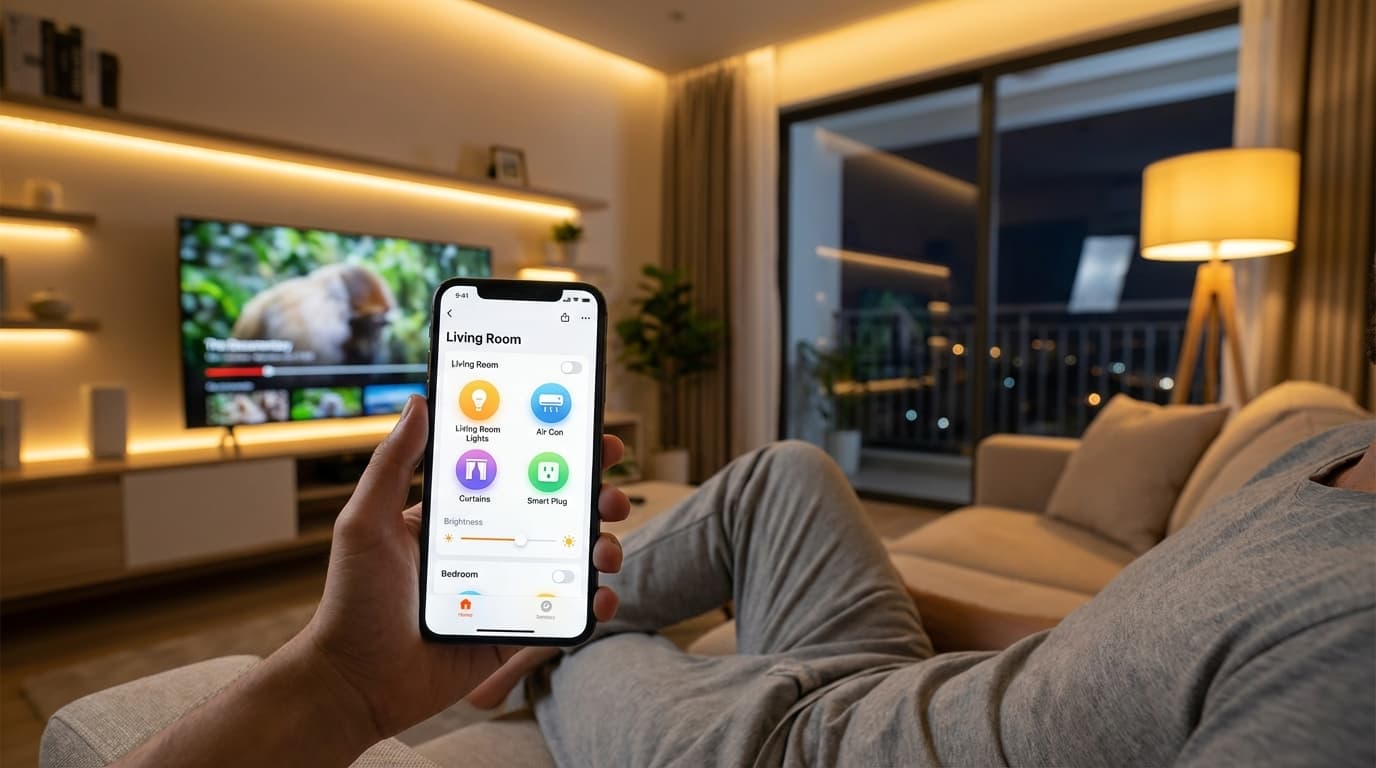
The Pros:
- Affordability: Because Tuya is a massive platform, the cost of devices is incredibly low. You can kit out a 4-bedroom BTO for a fraction of the cost of premium European brands.
- Simplicity: If you can scan a QR code, you can set up a Tuya device. The "Smart Life" app is user-friendly and requires zero technical knowledge.
- Vast Product Range: From smart kettles and pet feeders to curtain motors and air purifiers, if a smart version exists, Tuya probably makes a chip for it.
The Cons:
- Cloud Dependency: Most Tuya devices are "Cloud-dependent." When you press a button on your phone, the signal travels to a server (often in China or the US) and back to your home. This leads to latency (lag) and means your home stops being smart if your internet is down.
- Privacy Concerns: Your data-when you are home, what time you sleep, which rooms you occupy-is stored on a third-party server.
- Vendor Lock-in: You are at the mercy of the app developer. If they decide to charge a subscription fee or discontinue support for a product, you have no recourse.
- Product Quality Roulette: Because there are countless products that are essentially Tuya OEM rebrands, quality control varies significantly between brands. Some are unreliable (unstable connections, prone to failure), while others are reasonably dependable.
3. The Pros and Cons of Home Assistant
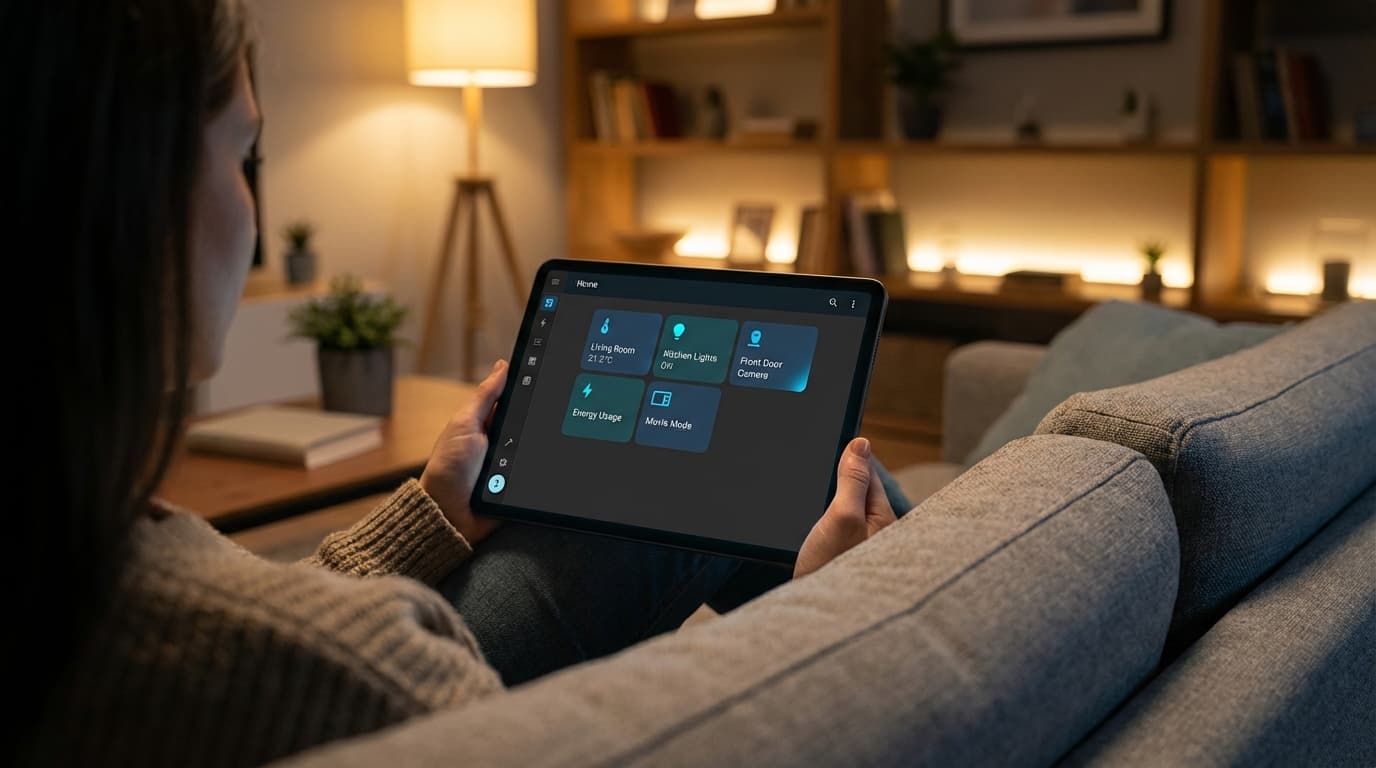
The Pros:
- Local Control (Speed & Privacy): Home Assistant runs locally. When you walk into a room, the sensor triggers the light instantly (under 500ms) because the signal never leaves your house. Your data stays on your hardware, not in the cloud.
- True Interoperability: You aren't forced to stick to one brand. You can use a Tuya switch, an Ikea sensor, a Samsung TV, and a Daikin air-con, and make them all talk to each other through one interface.
- Advanced Automation: Want your lights to turn red if your washing machine is done and it's raining outside? Tuya can't do that. Home Assistant can. The logic is limited only by your imagination.
The Cons:
- Steep Learning Curve: Setting up Home Assistant isn't as simple as scanning a code. It requires hardware (a server) and some technical patience to configure.
- Maintenance: Because it is open-source and constantly evolving, you may occasionally need to troubleshoot "breaking changes" after an update.
- Hardware Responsibility: You may be required to be the part-time "IT manager" of your home. You need to ensure your server is running and your backups are secure.
4. Comparing the Pillars of Smart Living
Privacy and Security
In a proprietary system like Tuya, you are the product. Your usage patterns are valuable data. In an open-source system like Home Assistant, privacy is the default. There are no "telemetry" pings to overseas servers, and you have total control over who accesses your home's data.
Reliability (The "Internet Test")
Singapore's internet is reliable, but outages do happen.
- Tuya: Most automations and voice controls will fail during an outage.
- Home Assistant: Everything-from your light switches to your presence sensors-continues to work perfectly because it runs on your internal Zigbee network.
Customization and Dashboards
Tuya's app looks the same for everyone. Home Assistant allows for bespoke dashboards. You can create a simplified "Senior-Friendly" tablet for your parents or a "Blade Runner" themed interface for your living room.
5. Why Choose Between Them? The Hybrid Approach
The most powerful secret in the smart home world is that Home Assistant can control Tuya devices.
At Layman Smart Home, we often recommend a hybrid approach for Singaporean homeowners. We use the affordability of Tuya hardware (switches, sensors, motors) but strip away the cloud-dependency by integrating them into Home Assistant.
This gives you the best of both worlds:
- The low cost of Tuya devices.
- The speed and privacy of local Home Assistant control.
- A single, clean dashboard that hides the complexity.
6. Which System is Right for Your Singapore Home?
Choose Tuya (Smart Life) if:
- You are on a very tight budget.
- You only want a few smart lights or plugs.
- You don't mind the occasional lag or dependency on the internet.
- You are renting and want a simple "plug-and-play" setup.
Choose Home Assistant if:
- You are renovating your forever home (HDB, Condo, or Landed).
- Privacy and data security are high priorities for you.
- You want instant response times (no lag).
- You want to integrate diverse brands like Daikin, Sonos, and Philips Hue into one system.
- You want powerful, presence-based automations that "think" for you.
If Home Assistant is the right fit for your home — whether a lightweight hybrid build using affordable Tuya hardware, or a full Home Assistant setup — Layman Smart Home People installs and configures it for Singapore HDB, condo, and landed properties.
Conclusion: Build a Home That Works for You
A smart home should be an invisible assistant, not a source of frustration. While proprietary apps like Tuya are a great entry point, they often leave power users wanting more. Open-source platforms like Home Assistant offer a level of stability and customization that is simply unmatched.
However, we understand that for the "Layman," the technical setup of Home Assistant can be overwhelming. That's where we come in.
At Layman Smart Home, we specialize in designing and installing Home Assistant-based systems that are approachable and easy to use. We handle the technical "heavy lifting"-the server setup, the Zigbee mesh optimization, and the complex coding-leaving you with a fast, private, and reliable home that just works.
FAQ
Can Home Assistant control my existing Tuya devices?
Yes. Home Assistant can integrate Tuya hardware directly, so you keep the low cost of Tuya devices while gaining local, private control.
What happens to each system if my internet goes down?
Tuya automations and voice control may fail during an outage; Home Assistant keeps working because it runs on your internal network.
Is Home Assistant harder to set up than Tuya?
Yes. Tuya is scan-and-go simple, while Home Assistant needs a dedicated server and some technical patience, though professional integration can handle that for you.
Which one should I choose if I'm renting?
You're not stuck with Tuya as a renter. A compact Home Assistant setup with a few Zigbee switches and sensors is portable, so it moves with you when you change units, and you keep local control and privacy. Tuya is the lower-effort, plug-and-play option if you don't want to set anything up yet, but you trade away that local control.
Trying to decide between platforms?
We can walk you through the tradeoffs based on your actual living situation.