
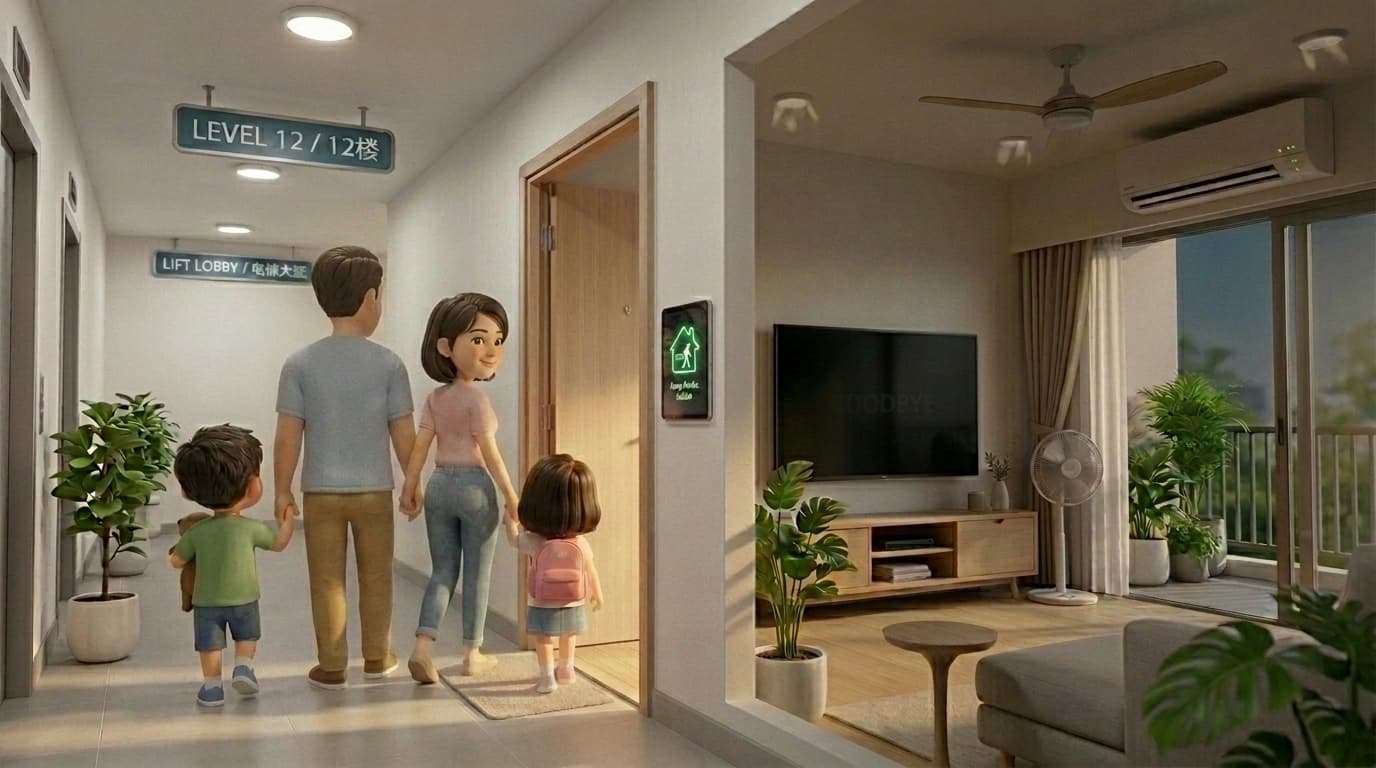
Leave Home Automation in Home Assistant: 7 Practical Strategies for Homeowners

Most homeowners want one thing from leave-home automation: the house should shut down safely when everyone leaves, without random false triggers when someone is still inside.
The good news is there is no single correct method. In Home Assistant, you can choose from several workable strategies depending on your home, your routine, and how much reliability you want.
Short answer: for most families, the best approach is a layered one, not a single trigger. Start with a simple physical trigger, then add presence checks to reduce false positives.
Why this matters for non-technical homeowners
A true smart home should reduce friction, not create more decision-making. If your leave-home flow is unstable, family confidence drops fast.
When done properly, leave-home automation helps you:
- Avoid wasted electricity from lights, fans, and air-con left running
- Reduce manual checking before you go out
- Keep the home in a consistent state when no one is around
- Build confidence in everyday automation
If you are still deciding whether Home Assistant is realistic for your household, this guide on whether Home Assistant is too complicated for non-tech homeowners gives the broader picture.
Strategy 1: 2-gang tap switch near the exit
This is often the easiest and most stable starting point.
You place a smart scene switch near the door, then assign a leave-home action to a specific tap pattern, for example double-tap on the second gang.
How it works:
- User taps the configured button pattern while leaving
- Home Assistant runs the leave-home sequence
- Selected devices turn off immediately
Pros:
- Very clear user intent, low false positives
- Works even when phone location is unreliable
- Easy for family members and helpers to follow
Cons:
- Requires user action
- Can be forgotten during a rushed exit
For many homes, this is the best baseline before adding automatic logic.
Strategy 2: GPS proximity zone
This uses mobile app location from household members. When everyone leaves a defined radius, Home Assistant triggers away mode.
How it works:
- Each family member device is tracked as a person entity
- Automation checks if all tracked people are outside the home zone
- Leave-home sequence runs when condition is met
Pros:
- Fully automatic once configured
- Fits daily routine without button presses
- Good for predictable commuting patterns
Cons:
- GPS can drift in dense condo or HDB environments
- Phone battery settings can affect update timing
- Can trigger late or early depending on signal quality
This is useful, but usually better as part of a layered setup rather than a standalone trigger.
Strategy 3: Wi-Fi presence helper
This strategy checks whether household phones are still connected to home Wi-Fi.
How it works:
- Home Assistant watches connection state of known devices
- If all required devices disconnect for a defined duration, away logic can run
Pros:
- Fast and local signal in many homes
- Useful as confirmation layer with GPS
- Easy concept for homeowners to understand
Cons:
- Some phones hold Wi-Fi briefly after leaving
- Guest phones can create noise if not filtered
- Router behavior can vary by model
When paired with GPS, Wi-Fi presence helper often improves confidence and reduces accidental triggers.
Strategy 4: Door lock plus timed confirmation
This method uses lock action as intent, then adds a short delay and presence check before shutdown.
How it works:
- Main door lock event starts a timer
- After delay, Home Assistant checks whether anyone is still home
- If nobody is home, away sequence runs
Pros:
- Feels natural for households using smart locks
- Delay gives room for edge cases like forgotten items
- Better stability than lock-only logic
Cons:
- Depends on reliable lock integration
- Still needs a presence layer to avoid false triggers
Strategy 5: Staged shutdown instead of all-off at once
Instead of killing everything immediately, split actions into stages.
Example staging:
- Stage 1 (instant): turn off non-essential lights and fans
- Stage 2 (after 2 to 5 minutes): turn off selected air-con zones
- Stage 3 (optional): arm away alerts if no re-entry
Pros:
- Less disruption from accidental triggers
- Better comfort if someone briefly re-enters
- Easier troubleshooting when something goes wrong
Cons:
- More setup logic
- Requires clear device grouping
If you are new to automation building, this explainer on automations vs scripts vs scenes helps you decide how to structure this cleanly.
Strategy 6: Occupancy-safe logic (reduce false positives)
This is where reliability improves the most for family homes.
Instead of one trigger, use two conditions plus a time buffer. For example:
- Trigger: exit switch tap or lock event
- Condition A: all tracked persons are away
- Condition B: no indoor motion/presence for X minutes
Pros:
- Much fewer accidental shutdowns
- Better for homes with children, elderly, or helpers
- More stable day-to-day behavior
Cons:
- Requires more entities and tuning
- Needs realistic timeout values
For presence-related tuning, this deep dive on presence sensors in Singapore homes gives practical context.
Strategy 7: Manual override and family-safe exceptions
Even the best away flow needs a simple override.
Good practice:
- Keep one "Cancel Away" action on dashboard
- Exclude critical devices from auto-off lists
- Keep logic readable so changes are easy later
This is important for non-technical households. The system should be easy to recover when routine changes.
Which strategy should you choose?
For most homeowners, this order works well:
- Start with a physical trigger (2-gang tap switch)
- Add GPS proximity for convenience
- Add Wi-Fi presence helper as confirmation
- Add staged shutdown and overrides for stability
That combination balances convenience and reliability while keeping false positives low.
Practical pros and cons by approach
| Strategy | Reliability | Convenience | Setup effort |
|---|---|---|---|
| 2-gang tap switch | High | Medium | Low |
| GPS proximity | Medium | High | Medium |
| Wi-Fi presence helper | Medium to High | High | Medium |
| Lock + timed confirmation | High | High | Medium |
| Staged shutdown | High | Medium | Medium |
| Occupancy-safe logic | Very High | High | Higher |
| Manual override layer | Very High | High | Low |
Common mistakes to avoid
- Using one trigger only and expecting perfect behavior
- Turning off everything without exclusions
- Setting very short timers that create false positives
- Treating all homes the same despite different layouts and routines
If you are still planning device stack and network approach, this guide on smart home protocols in Singapore is a useful companion.
FAQs
What is the most beginner-friendly leave-home strategy?
A physical scene switch near the exit is usually the easiest first step. It is clear, predictable, and easy for everyone in the home to use.
Is GPS-only away mode enough?
It can work, but GPS-only setups are more likely to produce edge cases. Adding Wi-Fi or occupancy confirmation usually improves reliability.
How do I reduce false positives in Home Assistant?
Use layered conditions, sensible delays, and staged shutdown. Avoid single-trigger automations for critical routines.
Do I need advanced coding for this?
No. Most of these strategies can be built with Home Assistant UI automations, then refined over time if needed.
Does this work for condos and HDB flats in Singapore?
Yes, but tuning matters. Dense environments and building layout can affect location and presence signals, so strategy choice should match your home pattern.
Final take
Leave-home automation is not about finding one perfect trick. It is about choosing a strategy mix that your household can trust every day.
For non-technical homeowners, stable and simple wins. Start with one clear trigger, add confirmation layers, and keep overrides available.
Need a reliable leave-home setup for your home?
We can plan a practical Home Assistant strategy that fits your layout, routine, and comfort level.
Plan your leave-home automation flow