
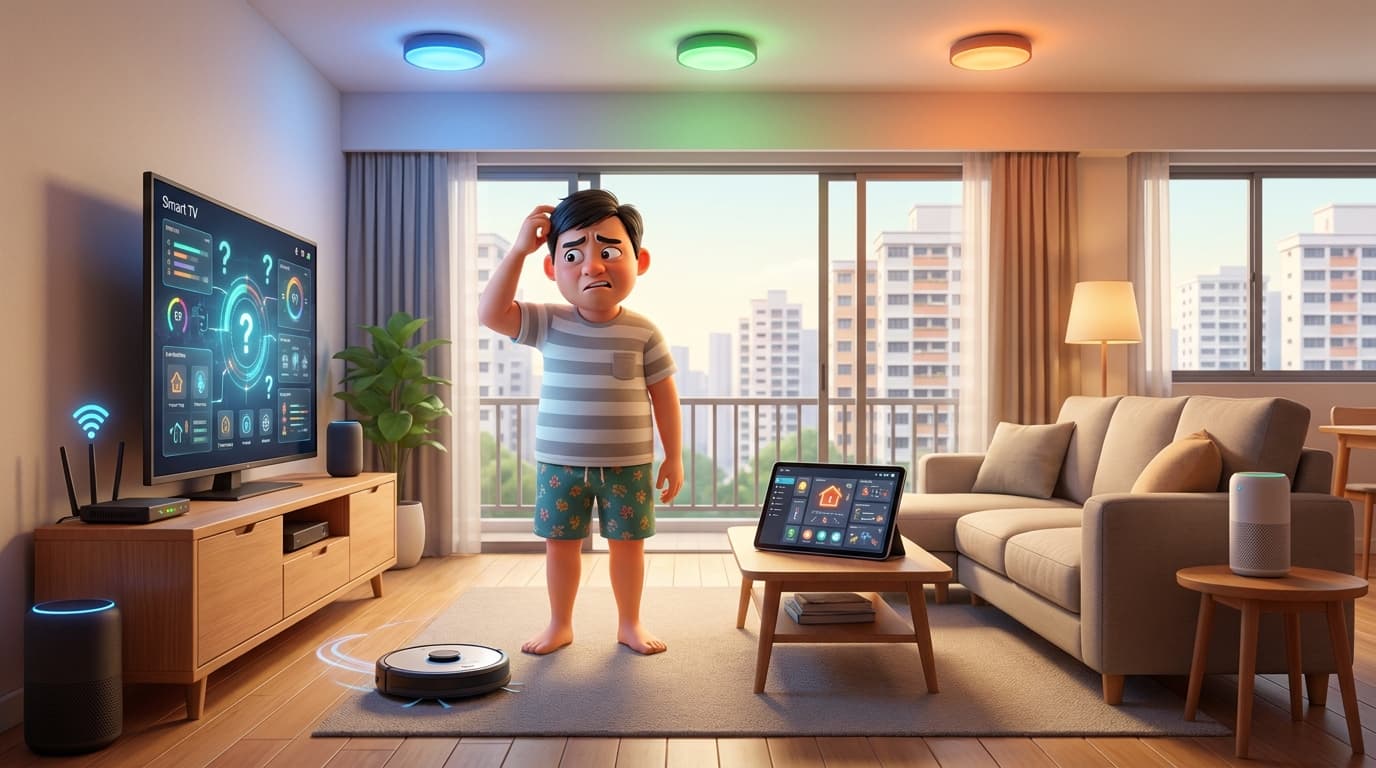
Is Home Assistant Too Complicated for Non-Tech Homeowners?

Home Assistant often gets described as complicated, and that is not completely wrong. The setup can be technical, especially if you want a proper, reliable system rather than a quick demo. But for a homeowner who receives a good handover, daily use is a different story.
In practice, using Home Assistant can feel like opening Google Home and switching devices on and off, except the dashboard is built around your home instead of a rigid, fixed app layout. That is the part many people miss. The hard part is usually setup. The everyday part can be straightforward.
Short answer: if Home Assistant is set up properly, non-tech homeowners do not need to become their own full-time IT support just to live with it.
What people usually mean by complicated
Most of the time, people are talking about setup, not daily use. That includes device selection, network setup, dashboard design, and deciding how much of the system should be automated from the start.
That is fair. Home Assistant is more flexible than closed systems like Google Home or Tuya, and flexibility usually comes with more decisions. If you are still comparing platforms, this Home Assistant vs Tuya guide gives a practical breakdown.
Once that work is done, the experience for the homeowner can be very simple. You open the dashboard, tap a light, start a scene, check a room, or run a routine. Nothing about that requires coding.
For most families, the real question is not whether Home Assistant is complicated in theory. The better question is whether you want to deal with the setup yourself, or have it done properly so the finished system feels easy to use.
When Home Assistant is actually hard
Home Assistant becomes hard when people try to treat setup as a weekend project and expect it to behave like a closed plug-and-play ecosystem.
Here is where the difficulty usually comes from:
- Picking the wrong devices in the first place
- Mixing devices that do not behave well together
- Setting up automations before the basics are stable
- Trying to tweak advanced settings without understanding how the system is wired together
- Updating things too casually without thinking about compatibility
This is why integrators exist. A proper setup is not just about connecting devices. It is about choosing the right stack, making it usable, and making sure the homeowner does not have to think about the technical side every day.
What daily use feels like
For a homeowner, a good Home Assistant setup should feel boring in a good way.
You should be able to:
- Turn lights on and off
- Trigger scenes
- Check whether devices are online
- Use the dashboard without learning the backend
- Live with the system even if you never touch an automation again
That is the point many people miss. A homeowner does not need to know YAML, entity names, or integration details just to use the house. They only need a clean interface that makes sense. If terms like automations, scripts, and scenes are confusing at first, this plain-language explainer helps.
If the dashboard is designed well, it can feel more intuitive than a generic app because it is made for your actual home. That is a real advantage over rigid proprietary UX. You can see real examples in our project case studies.
What if I want to add new devices myself later?
This is a common concern, and many people assume it must be very technical. In reality, adding supported devices is often much simpler than people expect today.
For many brands using official integrations, the flow is basically:
- Go to Integrations
- Add integration or device
- Find your brand
- Follow guided steps
That is very similar to what closed ecosystems already do. Home Assistant has improved a lot from its older days, and for common device additions, you are often following an on-screen guided flow instead of doing manual backend work.
If you want a beginner-level overview before adding anything, this Home Assistant introduction page is a good place to start.
When you do need to act like your own home IT manager
You only become your own home IT manager if you want to own the technical side as well.
That usually happens when you:
- Want to add unusual devices that need custom workarounds
- Want to build more advanced automations over time
- Want to manage updates without support
- Want to troubleshoot integrations directly
- Want to customise the system beyond the original handover
If that is your interest, Home Assistant is a very good platform. It gives you the room to do that.
If that is not your interest, you do not need to live that way just because you use Home Assistant.
Common support requests after handover
These are the issues that tend to come up after a setup is handed over.
Smart lights offline or not responding
This is often not a broken Home Assistant system. In many cases, it is a wiring or control-layer issue where the relay level and the smart light level are being mixed up.
When smart switches and smart lights are combined, it is easy for a homeowner to accidentally cut power at the relay level and make the light look offline. That is why we usually minimise that risk by setting up decoupled mode and hiding the relay entity when appropriate.
The important thing is that this is usually about understanding how the system works, not something that has suddenly failed.
Devices offline or unavailable
This can happen for a few reasons:
- The hardware itself is weak or unreliable
- The device drops off the network
- The router is rebooted and the device gets a new IP address
Sometimes the same problem would happen even in the device's own proprietary app. That is why device quality matters so much.
Home Assistant updates break something
This is the one issue that really is a Home Assistant or integration issue from time to time.
Core updates and third party integration updates can introduce changes that are not backward compatible. That is part of living with a fast moving platform, and we discussed this in more depth in the hidden costs guide.
This is also why FREEZE FIRST makes sense for many homeowners. If the system is working and you do not need new features, leaving the version alone keeps the working state stable.
Presence sensing gives false positives
This is not unique to Home Assistant. If a sensor is too sensitive, placed badly, or working in a space with too many variables, it will not be perfect.
The upside is that Home Assistant gives you more room to improve the result. We can stress test the setup, tune the placement, and use logic such as Bayesian helpers when needed to get the outcome as close as possible to what the household actually wants.
That flexibility is one reason people choose Home Assistant in the first place.
What is a Home Assistant issue, and what is not
It helps to be clear about this.
| Situation | Usually an HA issue? | Notes |
|---|---|---|
| Core update breaks an entity | Yes | Version changes or integration changes can affect behaviour |
| Device drops offline because of poor hardware | No | That is often a device quality or network issue |
| Light appears offline after the relay is switched off | No | This is usually a setup or user interaction issue |
| Presence sensing has false positives | Sometimes | The platform can help, but sensors still have physical limits |
So when people say Home Assistant is complicated, sometimes they are really talking about the whole smart home stack, not Home Assistant itself.
The honest answer for non-tech homeowners
If you want to build and tune the system yourself, Home Assistant asks more of you.
If you want a system that is set up properly and easy to live with, Home Assistant can be very manageable.
That is the difference.
For most non-tech-savvy homeowners, the right comparison is not "Can I learn every technical detail?" It is "Will the finished system be easy for my family to use every day?"
When the answer is yes, the system does its job. The homeowner does not need to become the support engineer for the house.
If you want a broader view of where Home Assistant sits against other platforms, our smart home platform comparison guide is a good next read.
FAQs
Do I need to code to use Home Assistant?
No. A homeowner can use a well set up Home Assistant system through a dashboard without touching code. Coding only matters if you want to build or modify the backend yourself.
Do I have to update Home Assistant all the time?
Not necessarily. A FREEZE FIRST approach is reasonable if the system is already working well and you prefer stability over chasing new features.
Will I need support forever?
Not for basic daily use. Most homeowners mainly need support when they want changes, run into a device issue, or decide to update the system.
Is Home Assistant only for tech people?
No. It is friendly to tech people because it is flexible, but non-tech homeowners can use it too if the setup and handover are done properly.
Final take
Home Assistant is complicated if you want to design, build, and maintain everything yourself.
It is much less complicated if you want a home that works properly after handover and you are happy to use the system rather than engineer it.
That is why the setup phase matters so much. If the foundation is done well, the end-user experience can stay simple.
Want a Home Assistant setup that stays simple?
We handle the setup, handover, and long-term structure so you can use the system without becoming the house IT support.