
Home Assistant vs Google Home: Which Should You Choose for Your Singapore HDB?

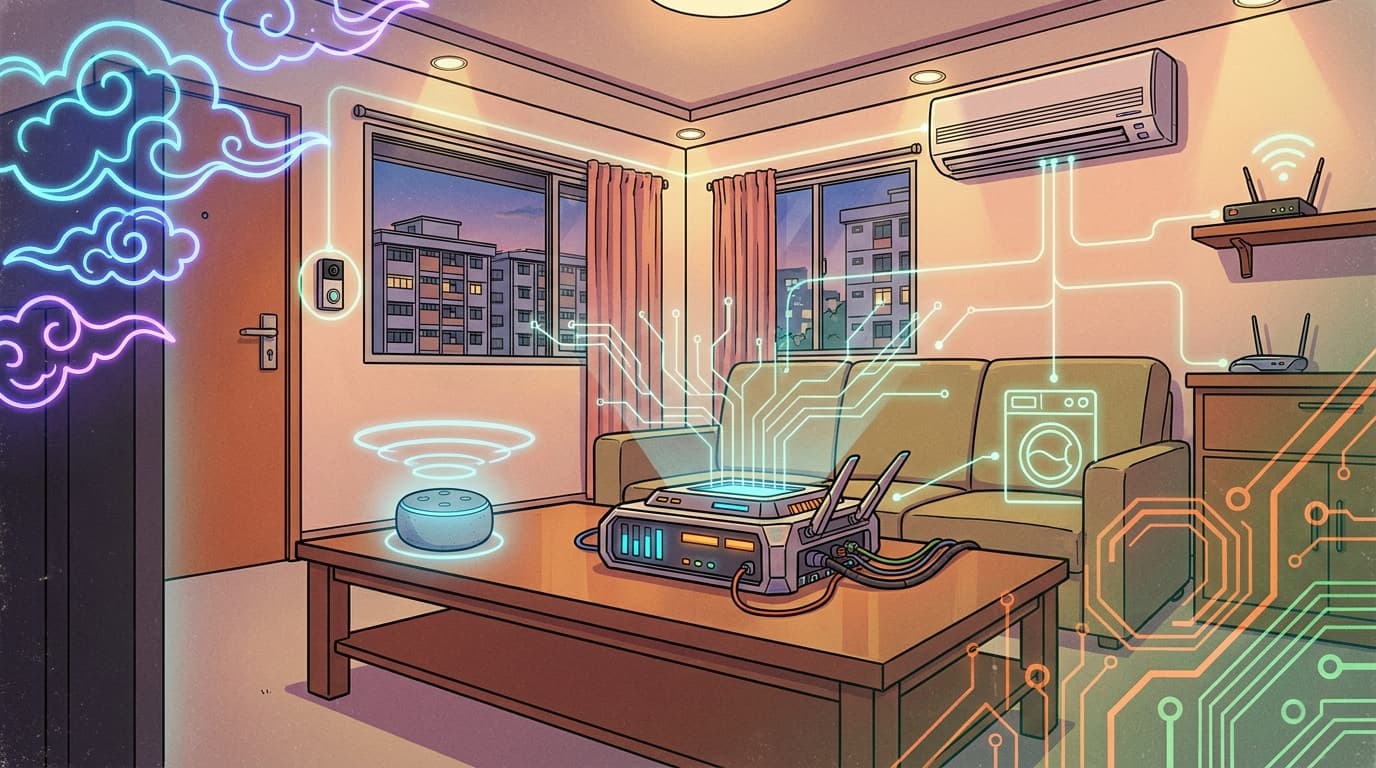
We get this question from two different kinds of homeowners. The first is mid-renovation, comparing Home Assistant and Google Home from scratch and trying to decide which to build around. The second already has a Google Nest or Google Home speaker from a previous flat and wants to know if switching to Home Assistant means throwing that away. In one of our Queenstown resale HDB projects, we handled exactly that: the couple's existing Google Nest Mini speakers stayed, but wired into Home Assistant they did more than take voice commands, they also broadcast a text-to-speech warning if someone loitered at the door, and announced when the laundry was done. This guide compares the two platforms directly and shows what's actually possible once you combine them.
Quick Answer
- Google Home is simpler to set up and works well out of the box, but it's cloud-dependent and limited to "Works with Google" certified devices.
- Home Assistant is local-first and open, controlling far more device types and brands, but has a steeper setup than Google Home's plug-and-play experience.
- You don't have to choose one permanently. A common setup uses Home Assistant as the brain and Google Home purely as the voice front end, so existing Google hardware stays useful.
- There are two ways to connect them: Home Assistant Cloud (Nabu Casa, about $8/month) is the official, easiest path; a Matter-based local bridge add-on avoids the subscription and keeps device control local, though voice recognition itself still runs through Google's cloud either way.
- If you're deciding from scratch and want long-term flexibility, Home Assistant is worth the steeper learning curve. If you already own Google Home devices, you don't need to replace them to add Home Assistant.
- Layman Smart Home People installs Home Assistant for Singapore HDBs, condos, and landed homes, including setups that keep your existing Google Home speakers as the voice front end.
The core difference
Google Home is a closed, cloud-first ecosystem. You buy devices labelled "Works with Google," set them up in the Google Home app, and Google's servers handle the logic, voice processing, and automation rules. That's genuinely easy for straightforward if-this-then-that routines, but it runs into real limits in a typical HDB. Most split-unit aircon isn't "smart" out of the box and isn't Google-certified, so it can't be added to Google Home at all without extra hardware. Presence detection through your router, useful for a whole-home "everyone's out, shut everything off" routine, isn't something Google Home does either.
Home Assistant is open-source and local-first, and it's built to handle exactly these gaps. In the Queenstown project mentioned above, we added smart modules to the couple's existing "dumb" air-con units so they could be automated, integrated their Asus router to detect when both owners had left the flat and shut off lights and air-con automatically, and built a rule where the doorbell camera's AI would trigger a warning if someone lingered at the door for more than 30 seconds. None of that is possible with Google Home's automation on its own, and none of it required replacing hardware the couple already used daily, including their Google Nest Mini speakers.
We've covered this same open-vs-closed tradeoff in more depth, comparing Home Assistant to Tuya, in our Home Assistant vs Tuya guide, and it applies here too: convenience now versus flexibility later.
Side-by-side comparison
| Feature | Google Home | Home Assistant |
|---|---|---|
| Setup difficulty | Easy — scan-and-go | Steeper — needs dedicated hardware |
| Device compatibility | "Works with Google" certified only | 3,000+ integrations, any brand |
| Non-smart appliances (e.g. split AC) | Not supported | Supported via smart modules |
| Local control during internet outage | No — cloud-dependent | Yes — runs on your network |
| Automation depth | Simple if-then routines | Complex multi-condition logic |
| Presence detection (router-based) | No | Yes |
| Voice control | Google Assistant (1-2s lag) | Google Assistant via HA (same lag) or local Assist (under 500ms) |
| Cost | Free (hardware only) | Free software + $100-300 for hub hardware |
| Long-term flexibility | Locked to Google ecosystem | Open, no vendor lock-in |
| Existing Google devices | Fully compatible | Fully compatible (HA uses them as voice front-end) |
What you gain and lose with each
Google Home:
- Fast, simple setup with no dedicated hardware to buy or maintain
- Familiar voice control through the Google Assistant most Android users already know
- Limited to devices Google has certified, common HDB items like non-smart split-unit aircon or router-based presence detection aren't supported at all
- Every command and automation depends on Google's servers being up
Home Assistant:
- Works with essentially any smart home brand, including retrofitting "dumb" appliances like older aircon units through smart modules
- Local control means most functions keep working during an internet outage, something we've written about more broadly in our guide to local control
- Deep, genuinely custom automation logic, like combining a doorbell camera's AI with a time threshold to trigger a security alert, not just simple routines
- Requires a dedicated server and more setup effort than Google Home's plug-and-play experience
For a broader look at how Home Assistant stacks up against Google Home, Apple HomeKit, and other platforms together, see our smart home platforms guide. For cost estimates, see our smart home cost guide and HDB vs condo vs landed comparison.
Already own Google Home devices? You don't have to start over
This is the scenario we see constantly: someone already has a Google Nest speaker or display from a previous home, and assumes moving to Home Assistant means abandoning it. It doesn't.
The setup we use is Home Assistant as the brain and Google Home purely as the voice front end. You still say "Hey Google, turn off the kitchen lights," but Home Assistant is what actually receives and fulfils that command, not Google's own smart home logic. Your existing Google Home hardware keeps working exactly as you're used to, it's just talking to a more capable system behind the scenes, and it can do more than take commands. In the Queenstown project, the couple's Google Nest Mini speakers became the home's announcement system too: Home Assistant broadcasts a text-to-speech warning through them if someone loiters at the door for more than 30 seconds, and announces when the washing machine finishes its cycle, none of which Google Home could do on its own.
There are two ways to set this up:
- Home Assistant Cloud (Nabu Casa) — the official, first-party path. You expose the entities you want under Settings > Voice assistants in Home Assistant, and Nabu Casa's cloud service (about $8/month) handles the connection to Google. It's the easiest and most reliable option to set up.
- A Matter-based local bridge — using a community-maintained add-on that exposes Home Assistant entities as Matter devices, which Google Home can then commission directly over your local network. This avoids the Nabu Casa subscription and keeps device control local rather than routed through a cloud relay. One caveat worth knowing: voice recognition itself still happens in Google's cloud either way, since that's how Google Home hardware processes speech regardless of which path connects it to Home Assistant. Only the control step, Home Assistant actually carrying out the command, is local with this option.
Which path makes sense depends on whether you'd rather pay a small monthly fee for the simpler official route, or do a bit more setup work to avoid the subscription.
Choosing between them
If you're mid-renovation and deciding from scratch, the honest tradeoff is convenience now versus flexibility later. Google Home is faster to get running and requires no ongoing maintenance. Home Assistant takes more effort up front but gives you a system that isn't limited to whatever Google decides to certify, and keeps working locally if your internet drops.
If you already own Google Home devices, this isn't really an either-or decision. Keep them, add Home Assistant as the brain behind them, and you get Google's familiar voice control on top of Home Assistant's deeper automation and device support, without replacing hardware you've already paid for.
Whichever way you lean, Layman Smart Home People installs and configures Home Assistant for Singapore HDBs, condos, and landed homes, including setups like the Queenstown project above that keep existing Google Home hardware working as the voice layer.
FAQ
Can I use Google Home together with Home Assistant?
Yes. Home Assistant can expose selected entities to Google, so your existing Google Home speakers and displays act as a voice front end while Home Assistant handles the actual automation and device control behind the scenes.
Do I need a Nabu Casa subscription to connect Google Home to Home Assistant?
No, it's one of two options. Nabu Casa (about $8/month) is the official, easiest path. A Matter-based local bridge add-on is a free alternative that keeps device control local instead of routing through Nabu Casa's cloud, though it takes more setup effort.
Is Home Assistant better than Google Home for an HDB flat?
It depends on what you're optimising for. Google Home is simpler and faster to set up with no dedicated hardware needed. Home Assistant supports far more device brands and keeps working locally during an internet outage, but requires more setup effort and a dedicated server.
If I switch to Home Assistant, do I have to throw away my Google Home devices?
No. A common setup keeps Google Home hardware as the voice interface while Home Assistant runs the actual automation logic, so existing devices stay useful rather than becoming redundant.
Will voice control still work if my internet goes down?
Not through Google Home, since voice recognition on that hardware always requires Google's cloud, regardless of whether it's connected via Nabu Casa or a local Matter bridge. For voice control that keeps working offline, Home Assistant's own local Assist pipeline is the option that doesn't depend on Google's servers at all.
Deciding between Home Assistant and Google Home, or want to combine both?
We'll assess your existing devices and renovation plans to design a setup that fits, whether that means starting fresh with Home Assistant or keeping your Google Home gear as part of the system.
Get a free consultation