
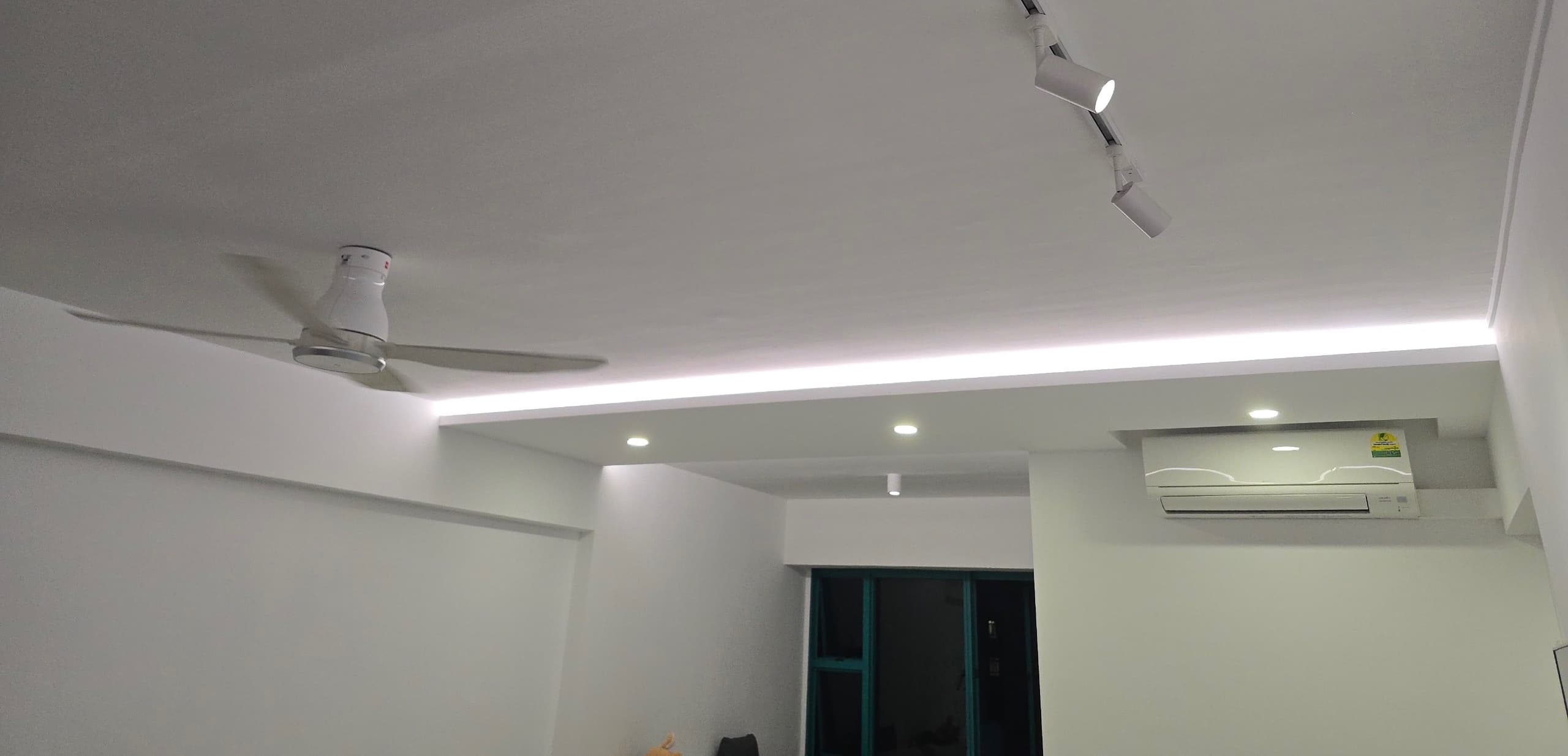
Understanding Load Types for Smart Switches

You might've heard, DC ceiling fans may experience issues with non-neutral smart switches. It's a known issue, and understanding why it happens helps you make the right choice and how to manage the risk.
Imagine installing the switch and the fan works fine at first. Then after a few days or weeks, the fan starts behaving weirdly. You may see relay chattering, inconsistent fan control, or controller issues. People often blame the switch brand or fan brand first. Sometimes the real cause is simply the appliance's load type.
If you look at smart switches with proper specifications, you'll usually see compatible load types and power limits listed. This is because the switch electronics interact differently with different appliances. For example, a simple incandescent bulb (resistive load) is much easier to handle than a modern LED with a driver (capacitive load) or a DC ceiling fan (inductive load with sensitive electronics).
For those with a DC ceiling fan and unsure about the right switch type, the recommendation is to consider using neutral switches. This guide explains why, and covers other appliance types to know about.
Quick Appliance Guide (Table-First)
If deciding between neutral and non-neutral, start here first.
| Load Type | Examples | With Neutral Switch | With Non-Neutral Switch |
|---|---|---|---|
| Resistive | Incandescent, halogen lights | Usually stable | Often performs adequately |
| Capacitive (Driver-based) | LED lights, dimmable LEDs, LED strips, fluorescent ballasts | Stable, preferred | May flicker or ghost |
| Inductive (Motors) | AC ceiling fans (without electronic speed control), exhaust fans, laundry racks | Stable, preferred | Less forgiving, test first |
| Inductive (DC Motors) | DC ceiling fans | We recommend neutral | Higher risk: potential controller issues |
TL;DR
Choose the switch type based on load type first, brand second.
As you can see, no loss going for neutral, but risks with non-neutral.
If you want the quick decision, the table is enough. If you want the reasoning, start with load types below, then read the DC fan explanation.
What Do These Load Types Mean?
Resistive (incandescent, halogen): Simple, straightforward loads. Usually the least problematic for any switch type.
Capacitive (LED, dimmable LED, LED strips, fluorescent): Modern lighting with drivers or power supplies. These are sensitive to switching behavior and voltage leaks. With non-neutral switches, that leakage can show up as ghosting (faint glow) and flicker.
Inductive - AC Motors (simple AC ceiling fans without electronic speed control, exhaust fans): More robust than DC motors, but still benefit from neutral switches. Non-neutral can work but is less forgiving. Note: modern AC fans with variable-speed or soft-start controllers may have similar requirements to DC fans.
Inductive - DC Motors (DC ceiling fans, smart laundry racks): These are more sensitive. DC fans especially can have controller issues if the switch type doesn't match well. Smart laundry racks with DC motors should be validated before rollout.
Why DC Ceiling Fans May Experience Issues With Non-Neutral Switches
Here's the thing: non-neutral switches need to "steal" a tiny bit of power through your appliance to stay alive. A smart switch is basically a small computer that needs to stay powered 24/7 to listen for your commands. Without a neutral wire, it has no dedicated power supply. So it "leaks" a small amount of electricity through whatever it's controlling, even when that appliance is supposed to be off.
For a simple LED bulb, this leakage causes ghosting (that faint glow when lights should be off). For DC ceiling fans? It's may cause bigger issues.
Think of it this way. AC ceiling fans are like petrol engines and are generally more forgiving, but DC fans are like EVs and they need cleaner and more stable power. Inside every DC ceiling fan is a controller board (basically a mini-computer) that manages motor timing. This controller expects power to be either on or off. When a non-neutral switch keeps leaking tiny amounts of current, the controller gets confused.
The problems may be caused in these ways during the fan's operation:
-
Back EMF: When the motor spins down, it generates its own voltage (like a generator running backwards), and this combines with the leakage current and confuses the controller.
-
Inrush Current: When you turn the switch on, the controller draws a surge to start the motor, but the non-neutral switch may not deliver clean power at that moment.
So you may see relay chattering (fan clicking on and off rapidly), inconsistent speed control, or controller failure, sometimes it may also cause switch side failures (since the switch's own power directly relies on leaking current through the appliance). Sometimes this shows up immediately. Sometimes it appears over weeks as stress accumulates.
This is the main reason we recommend neutral switches first for any DC motor load, especially ceiling fans. It's a reliability strategy that we know works.
Understanding what each option offers (energy monitoring, Zigbee mesh routing) and how stability differs helps you choose the right setup for your home. See our neutral vs. no-neutral wiring guide for a comparison of capabilities, stability, and costs.
Why This Matters in Real Homes
Two homes can use the same switch model and still get very different results. It depends on the appliances connected. A home with simple resistive loads might be fine with non-neutral switches. A home with many LED lights and DC fans may face constant issues.
If you see these symptoms, the load type and wiring setup may not match the switch-appliance combination:
- Lights still glowing faintly when they should be off
- Random flicker
- Switches that feel inconsistent
- Fans that don't respond as expected
The Practical Decision
DC ceiling fans? We strongly recommend neutral switches. They're the most reliable choice for this application.
Everything else? Go neutral by default unless there is a good reason not to. Neutral switches are more stable, with fewer surprises and fewer callbacks. In retrofit situations where zero disruption is needed, non-neutral can work for simple resistive loads like basic incandescent or halogen. But check the appliance first. If it has a driver, controller board, or relay requirement, use neutral or handle it separately.
Already using a non-neutral switch? With a non-neutral switch installed and DC fan issues appearing, there are two options:
- Move to a neutral setup (the proper fix). This often resolves the issue.
- Add a suitable bypass (temporary workaround). This is cheaper than a new switch and often improves things in existing installations. Treat it as a bridge until you can upgrade.
A Simple Planning Checklist Before You Buy
Map the home by appliance type first, not by room. List every circuit and note the type of lights, fans, and motorized equipment. Mark where DC fans exist. Neutral switches are recommended for all of them. For everything else, neutral is the safer default. If you are considering non-neutral, check whether the appliance has a driver or internal controller first.
We help our clients handle these considerations during planning because this is a common point of confusion. Reach out if you want advice based on your setup and budget.
Bottom Line
Appliance load type matters. The types of appliances you have determine whether a neutral switch is beneficial. As a default, neutral is the safer choice; non-neutral is best reserved for simple loads or strict retrofit constraints.
If odd behaviour shows up on a non-neutral setup, the clean fix is to move to neutral. If immediate upgrade is not possible, adding a bypass capacitor can help as a temporary step.
FAQ
Can I use a non-neutral switch with a DC ceiling fan?
It can work initially, but the risk of controller issues and relay chattering is higher over time. We recommend a neutral switch for DC ceiling fans.
Why do my LED lights glow faintly when switched off?
This is "ghosting," caused by the small leakage current a non-neutral switch needs to stay powered. Switching to a neutral setup or adding a bypass capacitor usually resolves it.
What is a bypass capacitor, and is it a permanent fix?
It's a small device that absorbs the leakage current so it doesn't reach the appliance. It's a cheap, effective workaround for existing non-neutral installations, but moving to neutral is the more reliable long-term fix.
Do I need neutral switches for every appliance, or just DC fans?
Neutral is the safer default for everything, but it matters most for DC fans and driver-based loads like LED strips. Simple resistive loads (incandescent, halogen) are more forgiving with non-neutral switches.
Not sure what your wiring can handle?
We check your load types and recommend switches that work safely.